Adjustable Screen Dimming
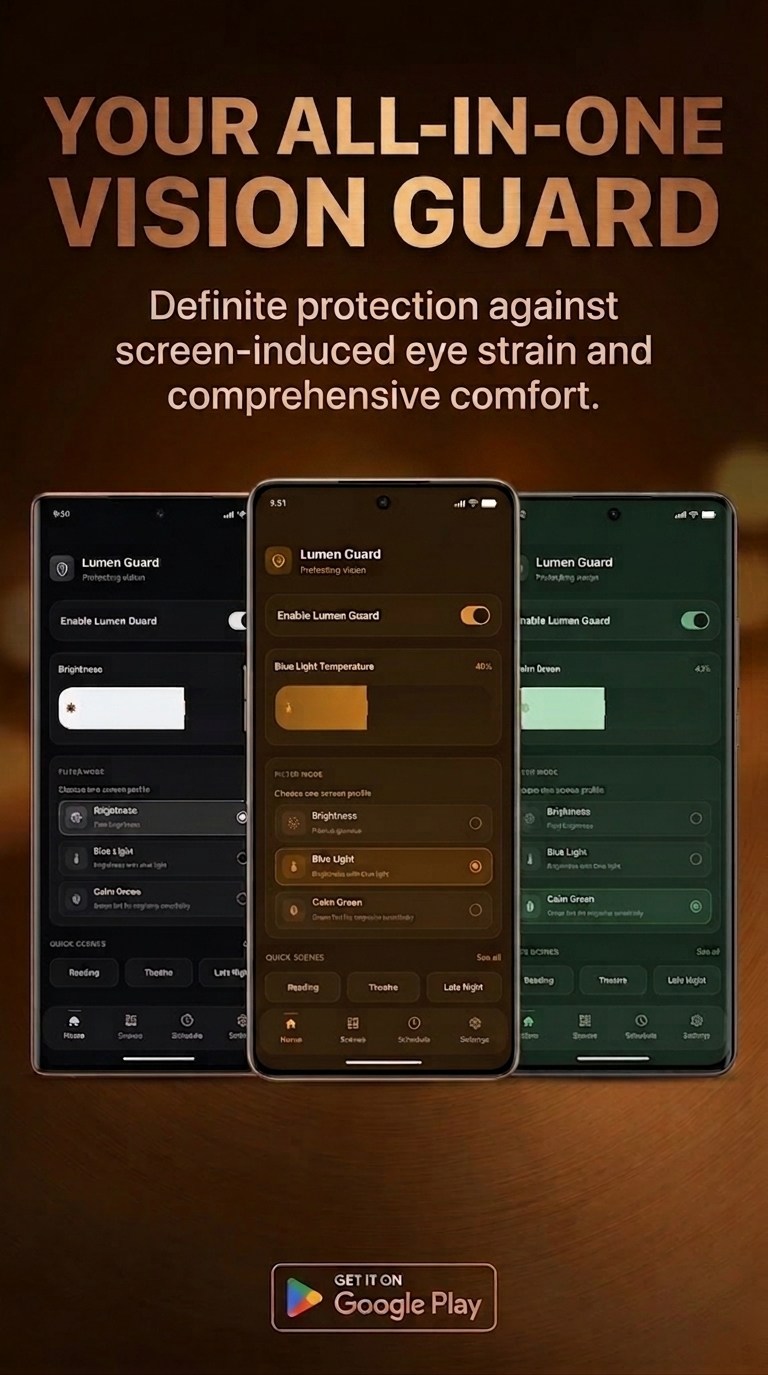
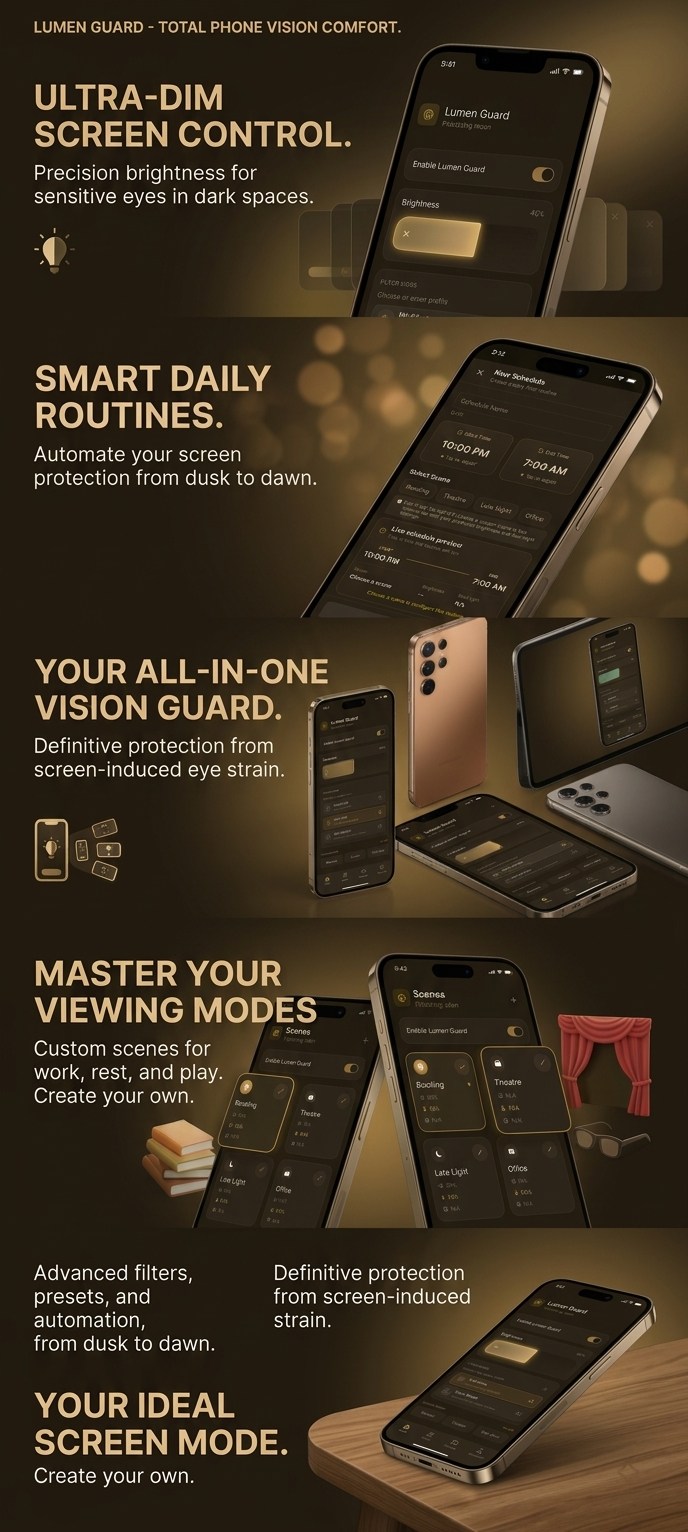
Use the overlay to make a bright display more comfortable in low-light environments.
Warmth Control
Choose the colour warmth that suits what you are doing, from neutral to a softer evening tint.
Custom Scenes
Save your preferred dim and warmth combinations, then return to them without rebuilding your settings.
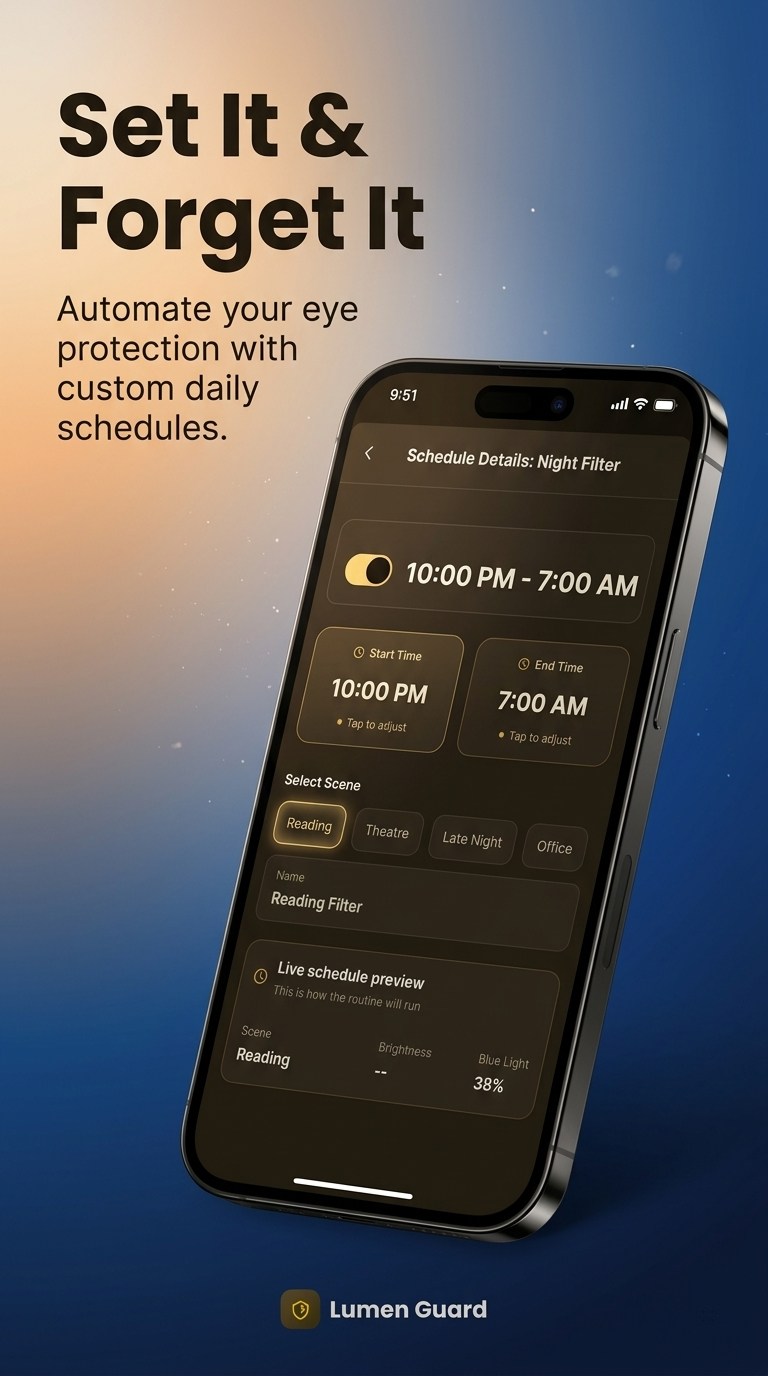
Smart Scheduling
Set a start and end time for a scene so your preferred display setup can follow your daily routine.
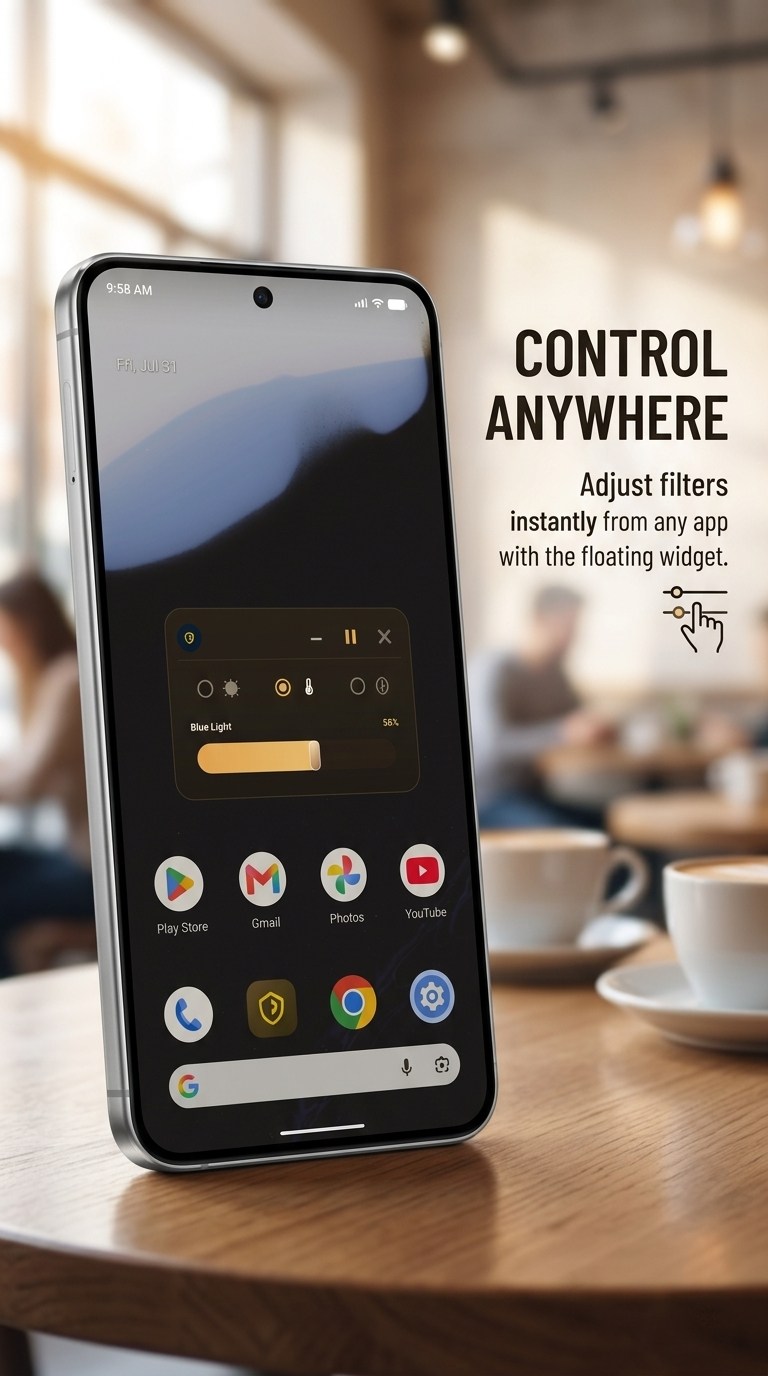
Floating Controls
Keep quick filter controls close at hand with the optional floating widget when it is enabled.
Respectful Notifications
Notifications are optional. The filter still works if you leave them off; you simply will not receive status updates or reminders.
Designed Around Android
Lumen Guard uses Android's display-overlay permission only to show the filter across your screen.
Privacy Choices
Core settings stay on your device. The free version includes advertising, with privacy choices shown in the app where required.